
Email not working for your business. What to check first
When business email stops working, it can feel urgent and disruptive. In many cases, the cause is not a full outage but a change in configuration, security, or connectivity.
This guide explains the most common reasons business email stops working and outlines sensible first checks. It is written to help you understand what is happening, not to encourage risky fixes.
Before changing anything, check this first
Before trying to fix anything, it helps to pause and understand what kind of problem you are dealing with.
First, check whether email is failing for everyone in the business or only for certain people or devices.
Second, consider whether anything has changed recently, such as password updates, security settings, hosting changes, or new devices.
These two checks often clarify whether the issue is local, account related, or system wide.
Common reasons business email stops working in organisations
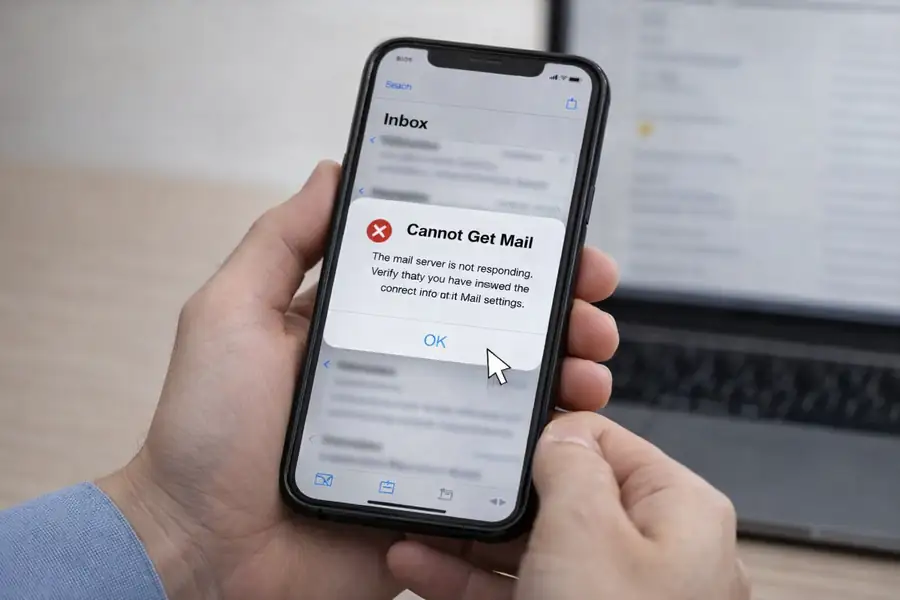
In business settings, email disruptions often stem from several key issues.
Reaching mailbox limits can silently halt message flow, while stringent security controls might block emails if they detect anomalies, even when none exist.
Domain or DNS misconfigurations can disrupt email delivery, especially after changes to hosting or email providers.
Additionally, authentication or password updates can lead to device access issues without clear alerts.
Local device or software problems may prevent proper email syncing, despite the service functioning correctly.
These issues typically do not indicate data loss or permanent failure.
Why email delivery can fail even when nothing looks broken
Email delivery depends on several systems working together. When one part of that chain is interrupted, messages may stop sending or arriving even though nothing appears broken.
Understanding this helps explain why email issues are often intermittent and why careful assessment is needed before changes are made.
Why Quick Fixes Often Make Things Worse
Quick fixes in IT can seem appealing, but they often lead to more harm than good. Without understanding the root cause, changes can disrupt security protocols, lead to data loss, or create inconsistencies across devices. It’s crucial to assess the situation thoroughly before making any adjustments to ensure long-term stability and security.
When Basic Checks Are Not Enough
Basic troubleshooting steps might not reveal the underlying issues affecting email systems. In such cases, a deeper assessment is necessary, involving the review of service health, security logs, and domain configurations. This comprehensive approach helps identify the root causes, ensuring that the solutions implemented are effective and lasting.
When to Get Help
If email issues continue after basic checks, it is often worth having the situation assessed properly.
Assessment helps identify the underlying cause, restore reliability, and ensure security controls remain effective. It also reduces the risk of temporary fixes masking problems that return later.
Related guides and services
If your business uses Microsoft 365, our Microsoft 365 support guidance explains how email, security, and identity work together in business environments.
For wider connectivity issues, our network and internet troubleshooting guides provide additional context when email problems are linked to access or stability.
Discuss your situation
Outlook is important to many business workflows, and when problems continue, it is often worth having the situation assessed properly.
A clear assessment helps identify the cause, avoid repeated disruption, and ensure security controls remain effective.
Further Guidance and Support
This guide forms part of a broader layered security approach. For structured guidance on security and resilience planning, see our Security and Resilience page.
For information about practical implementation and ongoing support, you can review our IT services and local IT support coverage across London, Hertfordshire, and Essex.
Author
Elías Sánchez
IT Support Consultant
Evening Computing
London, United Kingdom
This guide was prepared by Elías Sánchez with research and drafting assistance from AI tools. All technical content has been reviewed and adapted for clarity and accuracy.
Last reviewed
17 July 2026