
Why a page is missing from the Yoast sitemap (and the easy thing everyone misses)
Sometimes a page is published, accessible, and even visible in the WordPress core sitemap, yet it never appears in the Yoast XML sitemap.
This is rarely a bug. In most cases, it is a canonical URL mismatch that Yoast is correctly enforcing.
If the page loads normally in a browser, this issue is almost always configuration related rather than a visibility problem.
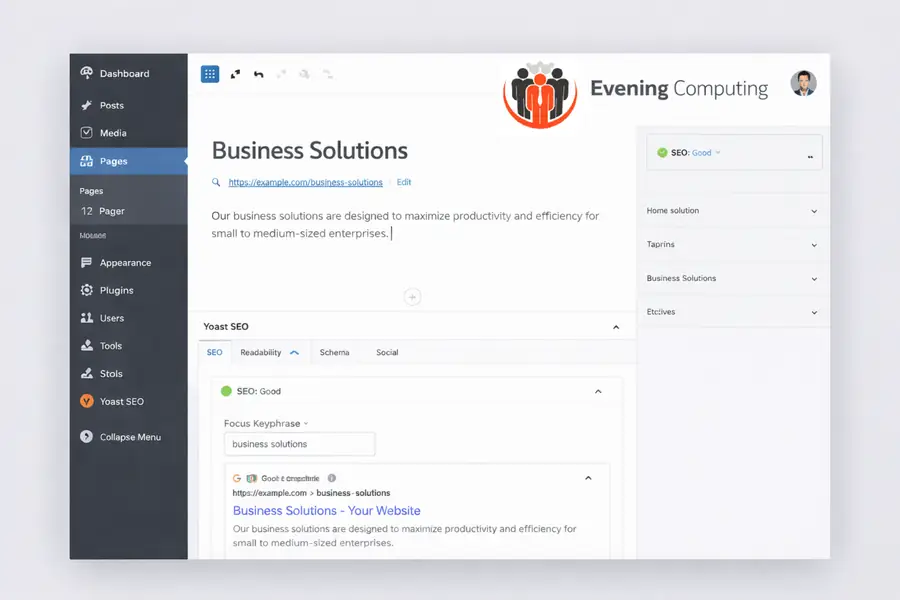
Why this is easy to miss
Browsers and WordPress often treat URLs with and without trailing slashes as equivalent. Humans do too.
Yoast does not. It requires an exact match, character for character, including trailing slashes and protocol.
WordPress sitemap vs Yoast sitemap
WordPress core sitemaps list all published content without enforcing canonical intent.
Yoast sitemaps only list URLs that are canonical and indexable. This is intentional and protects against duplicate content.
The most common cause
The most common cause is a manually set canonical URL that does not exactly match the page URL.
This often happens with trailing slashes or copied URLs.
How to check and fix it
Follow these steps:
Confirm the page is published and not private
View the page source and locate the canonical link tag
Compare it character by character with the page URL
Remove any manually set canonical unless handling genuine duplicates
Let Yoast generate a self canonical URL automatically
Clear the Yoast sitemap cache
Preventing this in future
Avoid manually setting canonical URLs unless you are handling genuine duplicates.
Consistency in URL structure is key to reliable sitemap inclusion.
If you manage a WordPress site and something does not behave as expected, this is usually a configuration issue rather than a fault.
Further Guidance and Support
This guide forms part of a broader layered security approach. For structured guidance on security and resilience planning, see our Security and Resilience page.
For information about practical implementation and ongoing support, you can review our IT services and local IT support coverage across London, Hertfordshire, and Essex.
Author
Elías Sánchez
IT Support Consultant
Evening Computing
London, United Kingdom
This guide was prepared by Elías Sánchez with research and drafting assistance from AI tools. All technical content has been reviewed and adapted for clarity and accuracy.
Last reviewed
17 April 2026