
IT Support in Epping for Small Businesses and Professionals
We provide IT support in Epping for small businesses, professionals, local organisations and individuals with work-related technology needs who rely on computers, email, Microsoft 365, Google Workspace, cloud services, internet access, printers and local networks.
Epping includes a mix of local businesses, professional users, home offices and organisations that often depend on stable access to cloud systems while working between office, home and London.
Support may be provided remotely where suitable, with onsite visits available where local equipment, WiFi, routers, printers, cabling or hardware need to be checked directly.
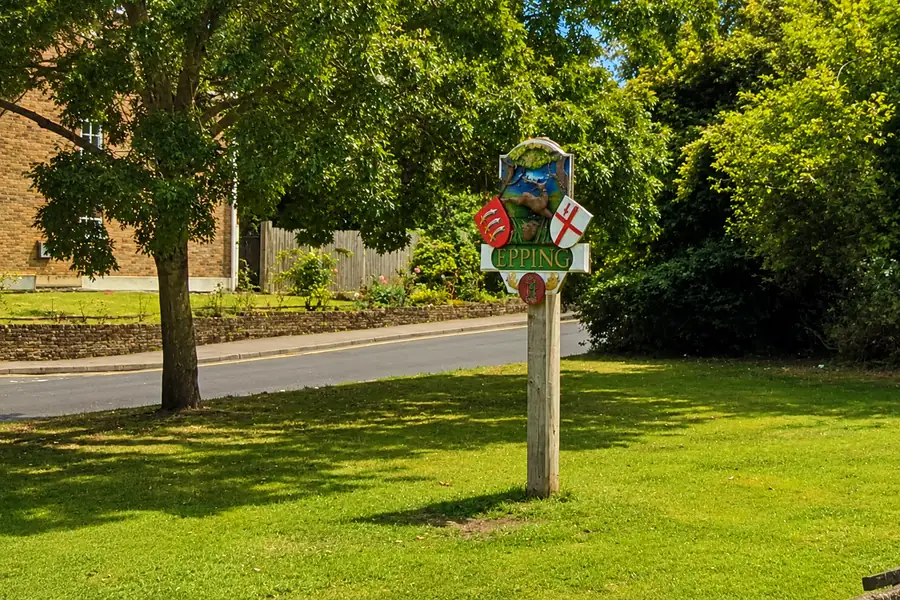
Local IT support in Epping
Epping includes professional services, small businesses, local organisations, home-based work and people who divide their working time between Epping, other premises and London.
In these environments, the same user may rely on several devices, browsers, networks and cloud sessions during the working week. A service may work from one location but fail from another because the device configuration, account session, synchronisation state or network conditions are different.
Local IT support helps establish whether the problem belongs to one computer, the account, the cloud service, the network being used or a wider configuration shared by several people.
Who this support is for
This service is suitable for small businesses, professionals, local organisations and individuals with work-related or multi-device technology needs in Epping.
Typical users include:
• Small businesses using Microsoft 365, Google Workspace, business email, shared storage and business applications.
• Professionals working from home, from a small office or between Epping and London.
• Local organisations that need help with devices, internet access, printers, WiFi and shared systems.
• Individuals with work-related or multi-device setups.
• Businesses that need help coordinating changes with internet, phone, software or cloud suppliers.
Common support situations
Typical support scenarios in the Epping area include issues where local businesses and professionals depend on cloud services, portable devices and shared systems.
Examples include:
• Microsoft 365, Google Workspace, Outlook or business email problems affecting one or more users.
• Cloud file access issues in OneDrive, SharePoint or similar shared storage systems.
• WiFi or internet problems affecting work in a small office or home office.
• Printer and scanner issues, including scan-to-email and device connectivity.
• Laptop performance problems affecting users who work between locations.
• Account access, multi-factor authentication or sign-in prompts that prevent normal work.
• Small offices where older equipment has been added over time and the overall setup is no longer working consistently.
Why can the same account or file work in one location but not another?
A person working between Epping, home, an office and London may use the same Microsoft 365 or Google Workspace account from several devices, browsers and networks.
The service may appear to work normally in one location but not another because the surrounding conditions are different.
The device may have a different browser profile, cached credentials, security configuration or synchronisation state. The network may apply different DNS, filtering or access rules. Microsoft 365 or Google Workspace may also respond differently depending on the account session, device status or sign-in conditions.
A missing file may therefore be a synchronisation or permission problem rather than deletion.
A repeated sign-in prompt may involve an old session or device registration rather than an incorrect password.
A cloud service working on a mobile phone does not necessarily prove that the computer is configured correctly.
The first step is to establish what changes between the working and non-working situations: the device, account, browser, location, network or security condition.
Where the issue affects one standard Windows computer, Computer Support may be suitable. Where the issue mainly involves Microsoft 365, Google Workspace, shared files, permissions or cloud access, Cloud Solutions may be the most suitable route. Where several users, suppliers, security arrangements or continuity requirements are involved, wider IT Support is normally the better starting point.
How support is delivered
Some IT issues can be handled remotely, especially where the problem relates to Microsoft 365, Google Workspace, business email, cloud storage, account settings, software configuration or general device settings.
Other issues need onsite support. This is usually the case when the problem involves physical equipment, cabling, WiFi coverage, routers, printers, scanners, local network equipment or suspected hardware failure.
The next step depends on what is affected, how many users or systems are involved and whether the cause sits with one device, an account, the local network, a cloud service or the wider working environment.
Related support services
The most suitable service depends on whether the issue affects one device, shared systems, cloud services, security arrangements or the local network.
Suitable where the issue affects shared systems, multiple users, security arrangements, suppliers, backups or continuity.
Suitable where the issue mainly affects one standard Windows PC or laptop.
Support for Microsoft 365, Google Workspace, business email, shared files, permissions and cloud access.
Support for layered security, backup planning, recovery arrangements and continuity.
Suitable where the work involves physical cabling, office layout changes, new data points or infrastructure for network equipment.
Wireless Network Design and Deployment
Suitable where WiFi coverage, access-point placement, device separation or network reliability need wider attention.
Local IT Support for Businesses Across London, Hertfordshire and Essex
View the wider local service area and other nearby locations supported by Evening Computing.
Nearby areas we support
This page focuses on IT support in Epping. We also work with organisations and individuals in nearby areas including Harlow, Nazeing, North Weald, Theydon Bois, Waltham Abbey and surrounding parts of Hertfordshire and Essex.
To view other areas we cover, visit our Local IT Support for Businesses Across London, Hertfordshire and Essex page.
Local IT Support for Businesses Across London, Hertfordshire and Essex.
Getting in touch
If you need IT support in Epping, tell us what is affected, where the problem occurs, how many people or systems are involved and whether it works differently from another device or location.